
Tired of losing track of your open tabs? Easy Tab Switcher is a chrome extension that lets you jump between your recently used tabs with simple keyboard shortcuts. It works just like your browser history, but for your active tabs.
Perfect for developers, researchers, or anyone who works with many tabs. Stop clicking — start switching!
Download it from the chrome web store.
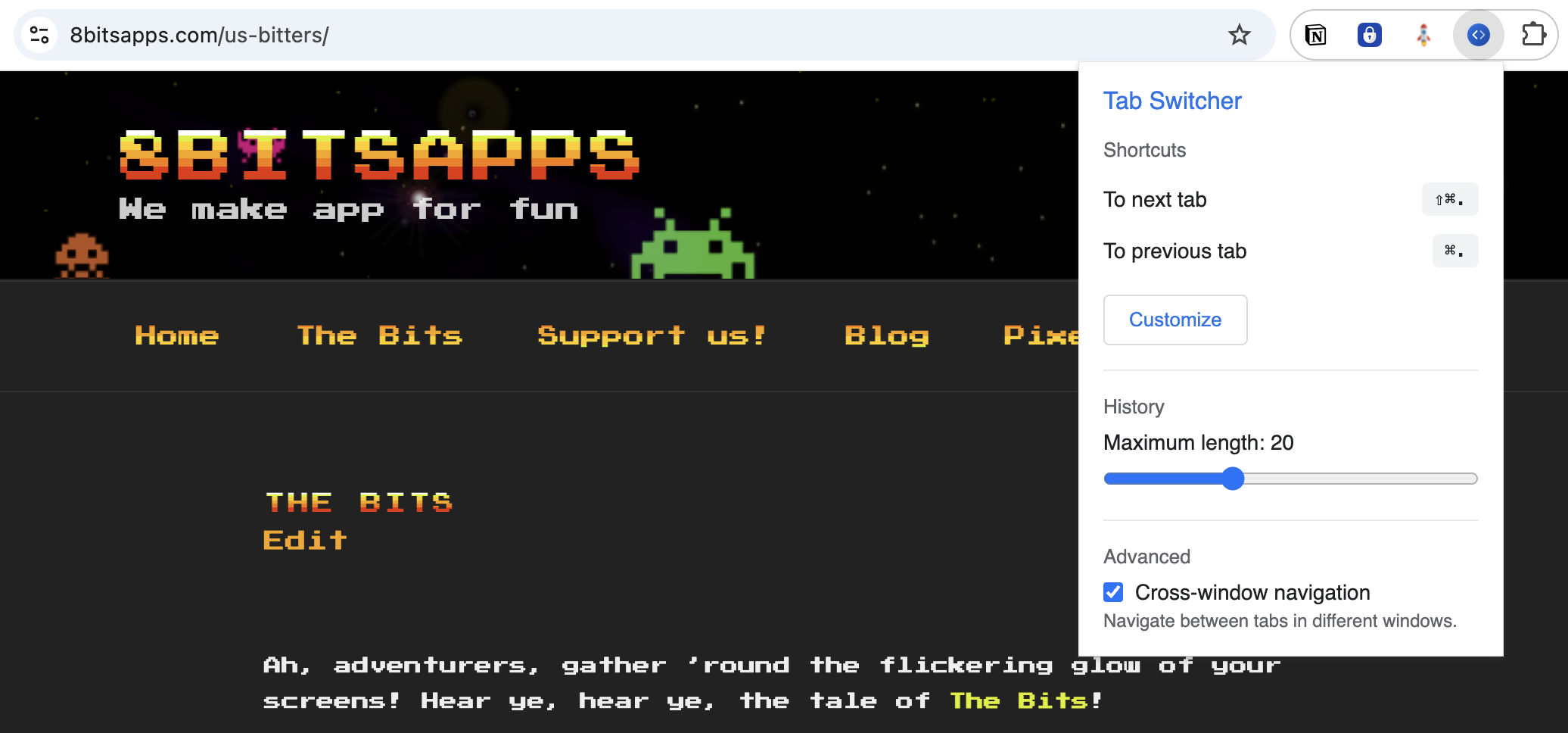
⌨️ Keyboard Shortcuts
Speed is key. Navigate without touching your mouse.
- Ctrl + . (Cmd + . on Mac) — Go to the previous tab
- Ctrl + Shift + . (Cmd + Shift + . on Mac) — Go to the next tab
- Fully customizable in Chrome settings.
✨ Key Features
- Tab History: Remembers your recently visited tabs (up to 50).
- Cross-Window Navigation: Seamlessly switch between tabs in different windows.
- Persistent History: Your tab history survives browser restarts.
- Lightweight: Designed to have absolutely no impact on browser performance.
⚙️ Fully Customizable
Tailor the extension to fit your workflow.
- Adjust history length (choose between 5 to 50 tabs).
- Enable or disable cross-window navigation.
- Set your own preferred keyboard shortcuts.
🔒 Privacy
Your navigation history stays with you.
- ✅ No data collection
- ✅ No external connections
- ✅ Works entirely offline
Support the Project
If you find Easy Tab Switcher useful, consider supporting the Bits 🙂